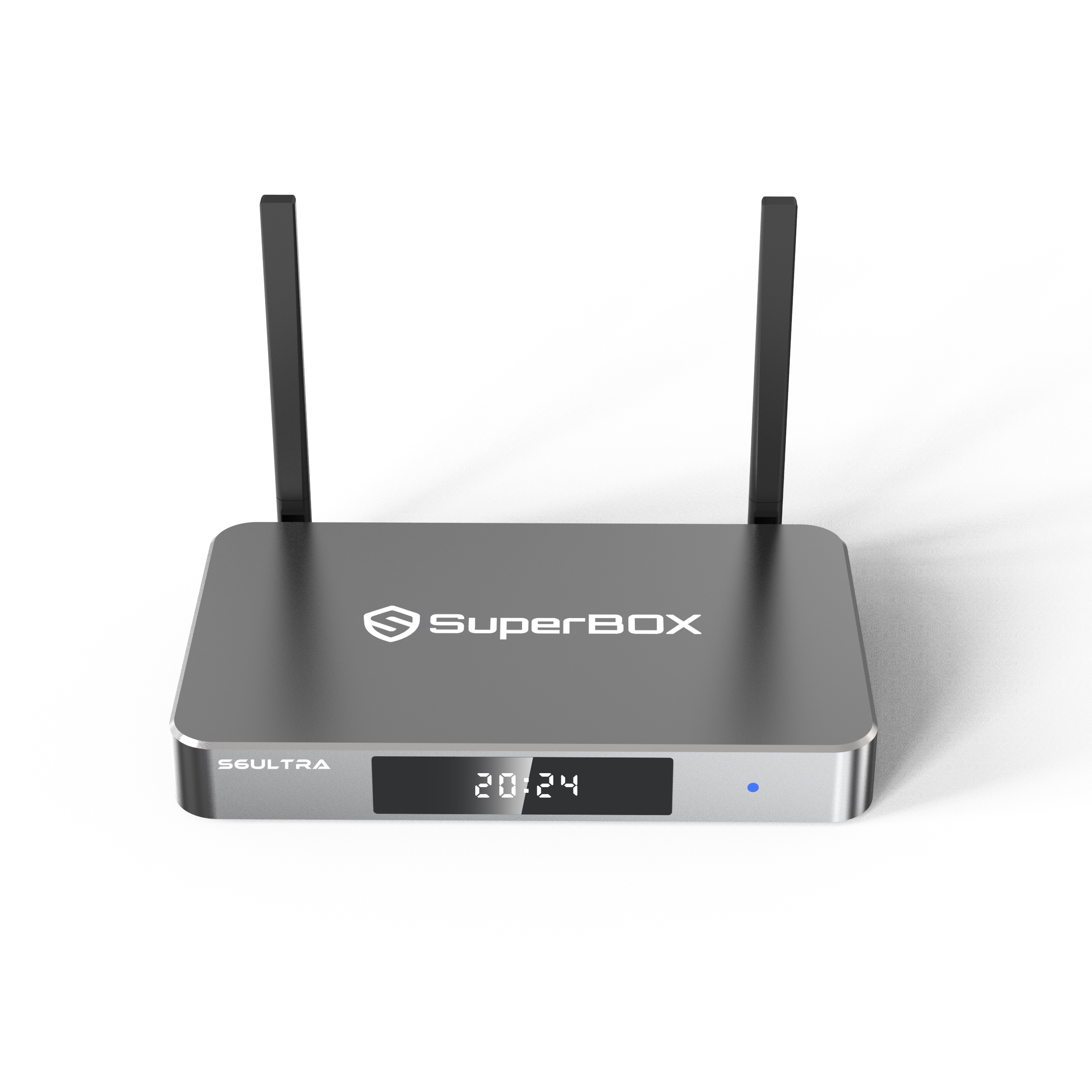
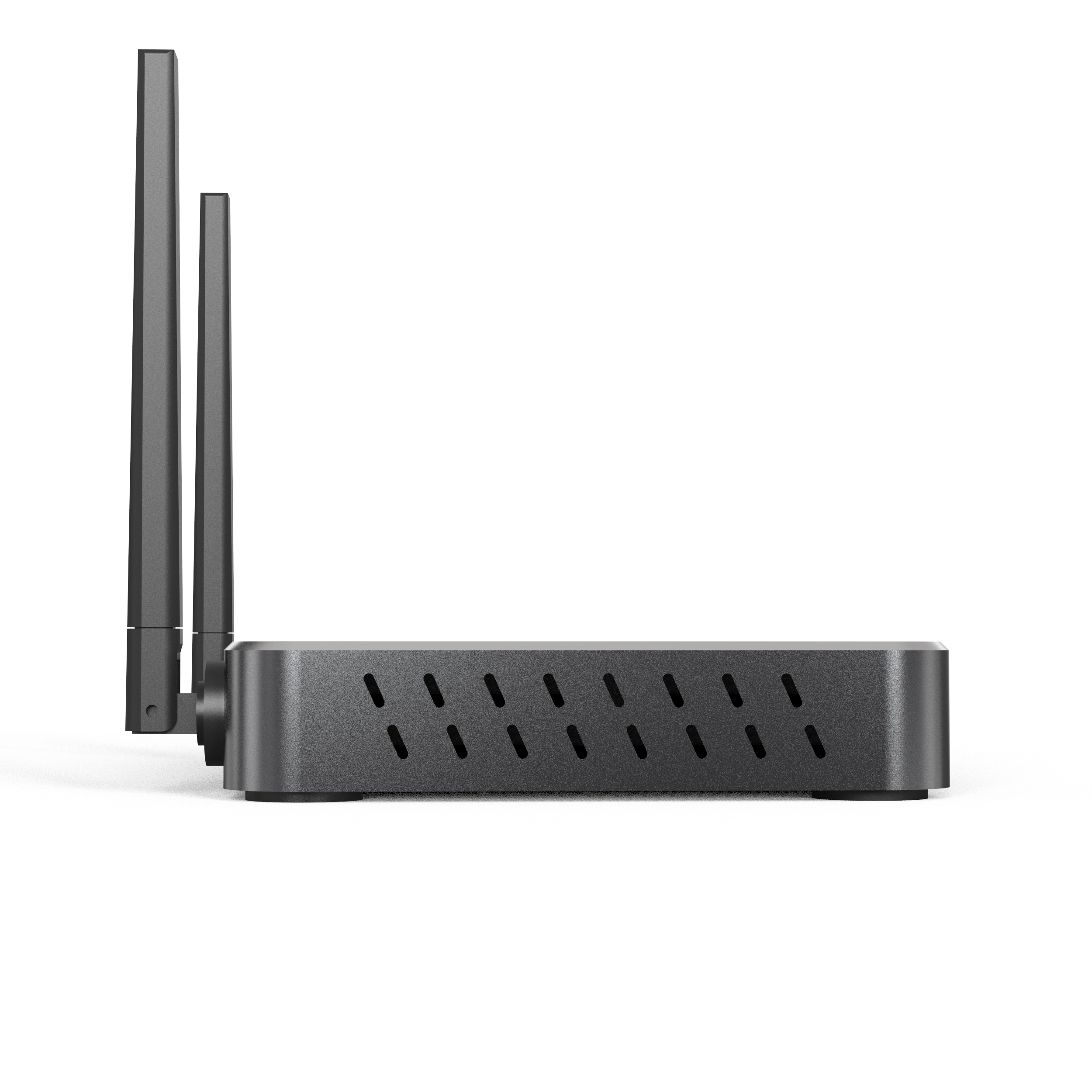
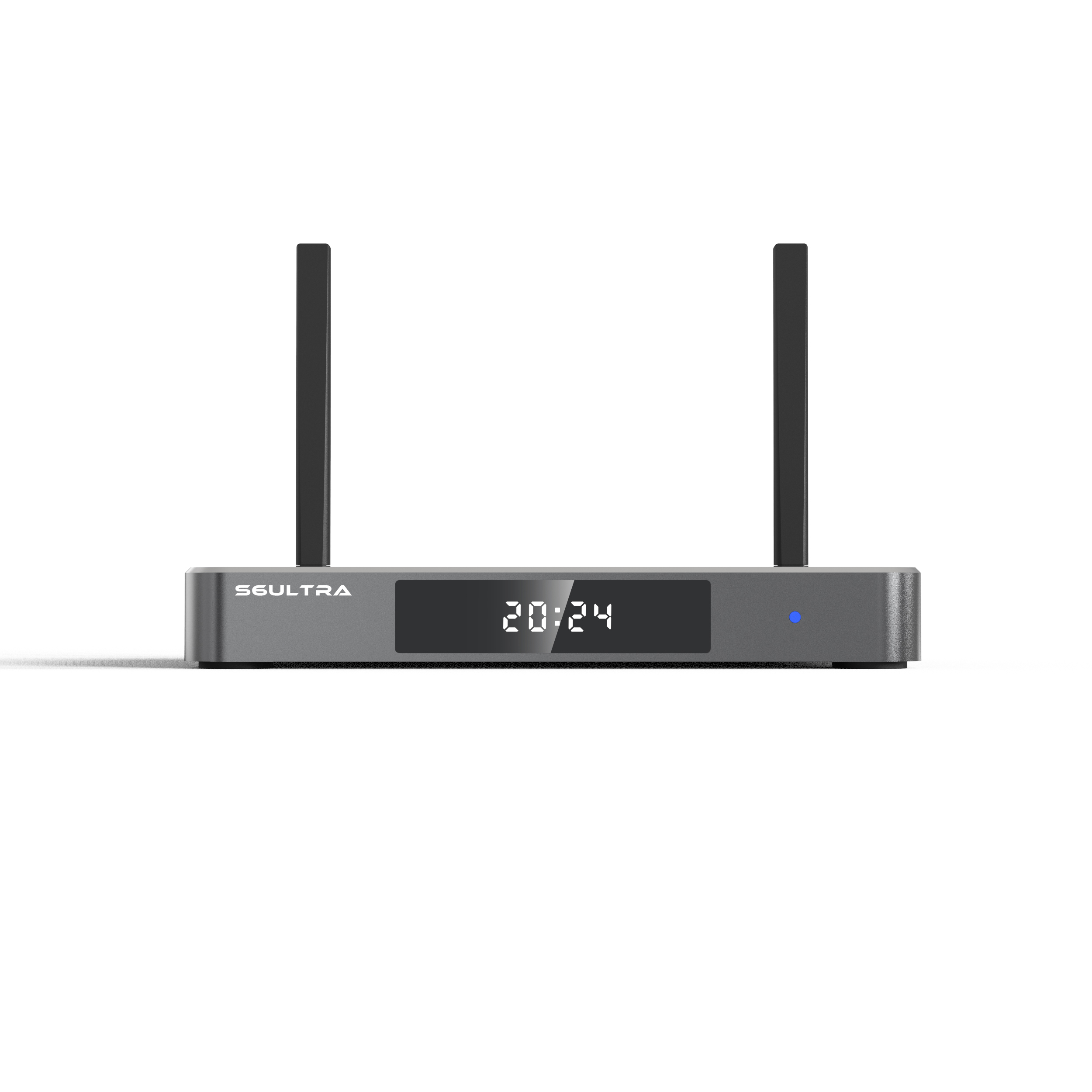
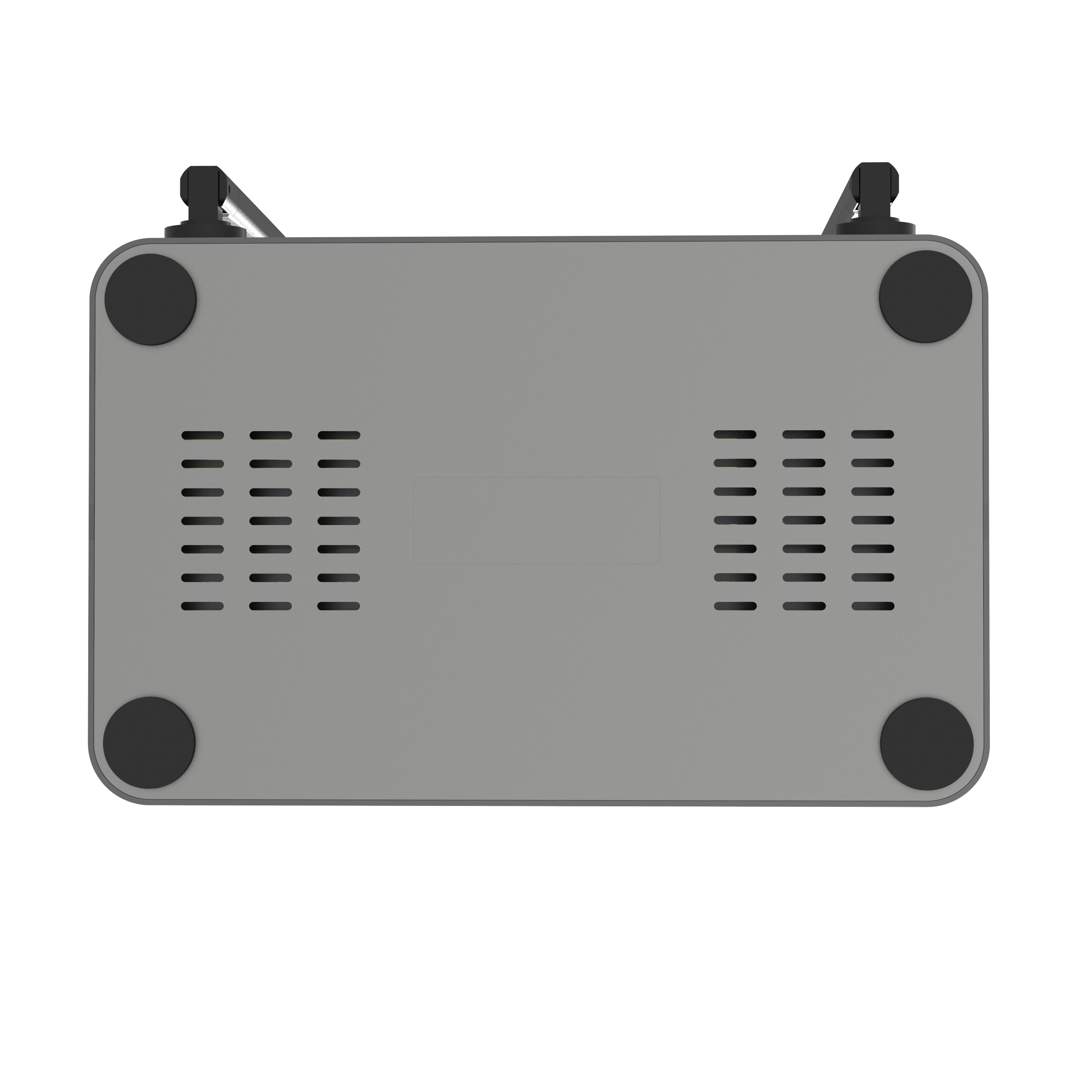
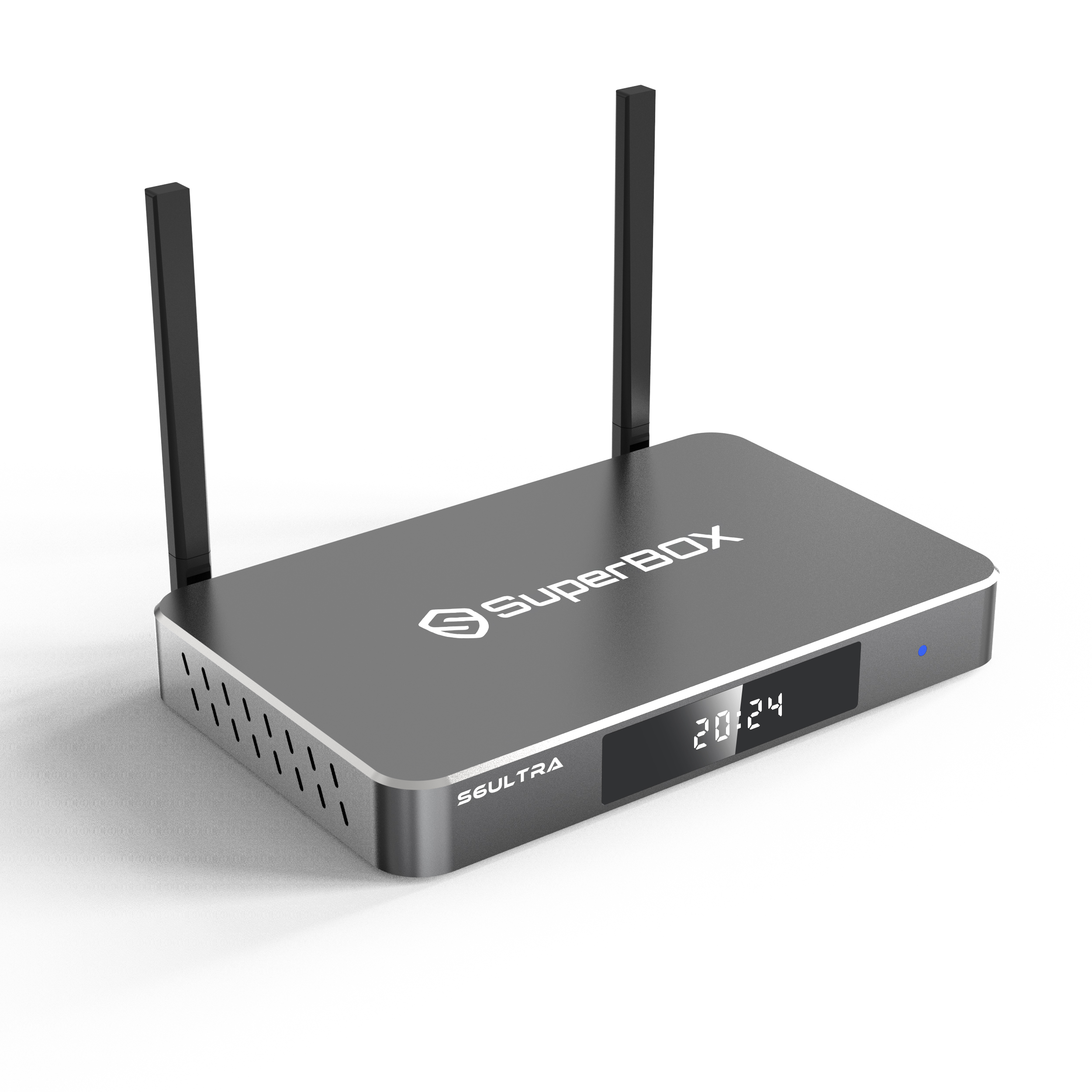
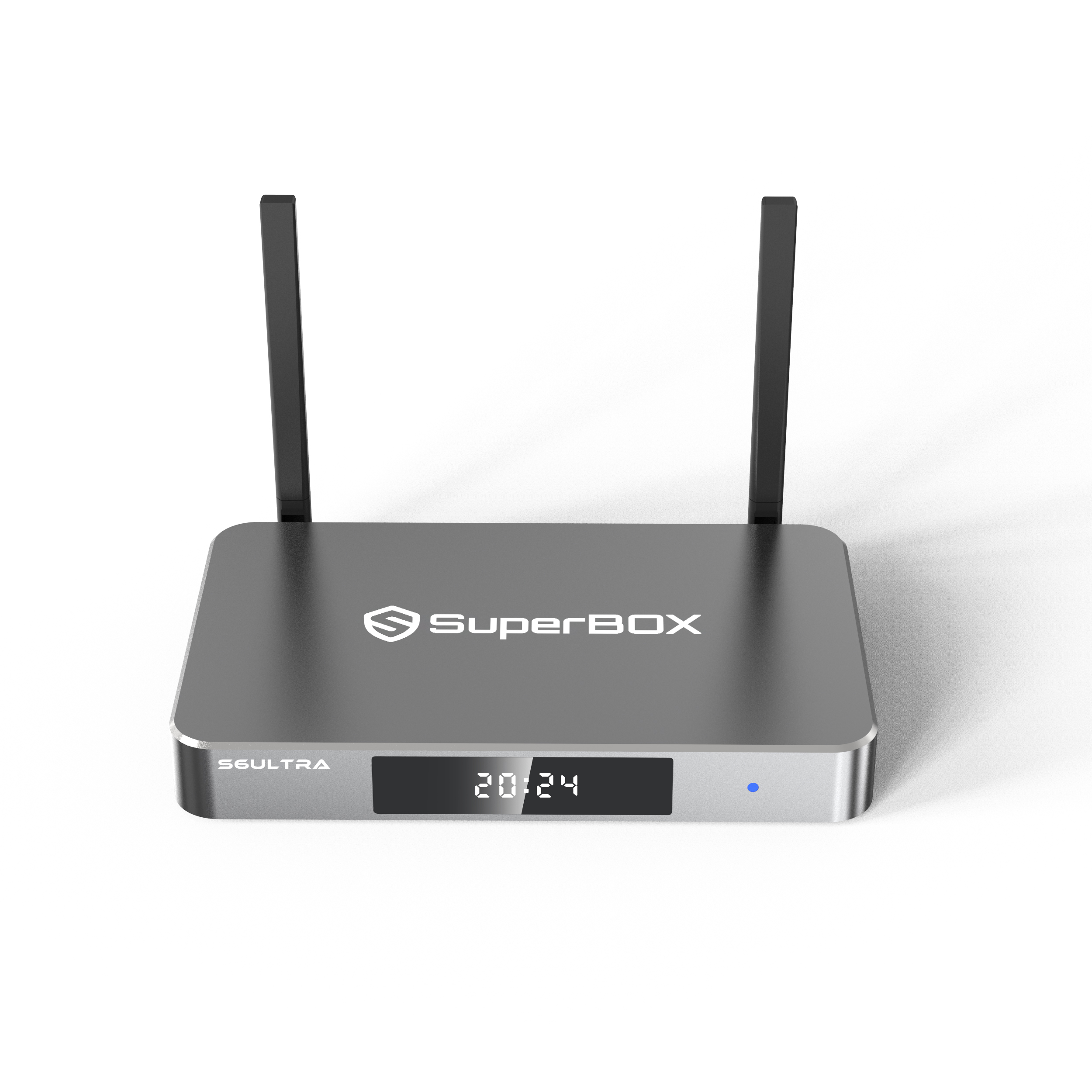
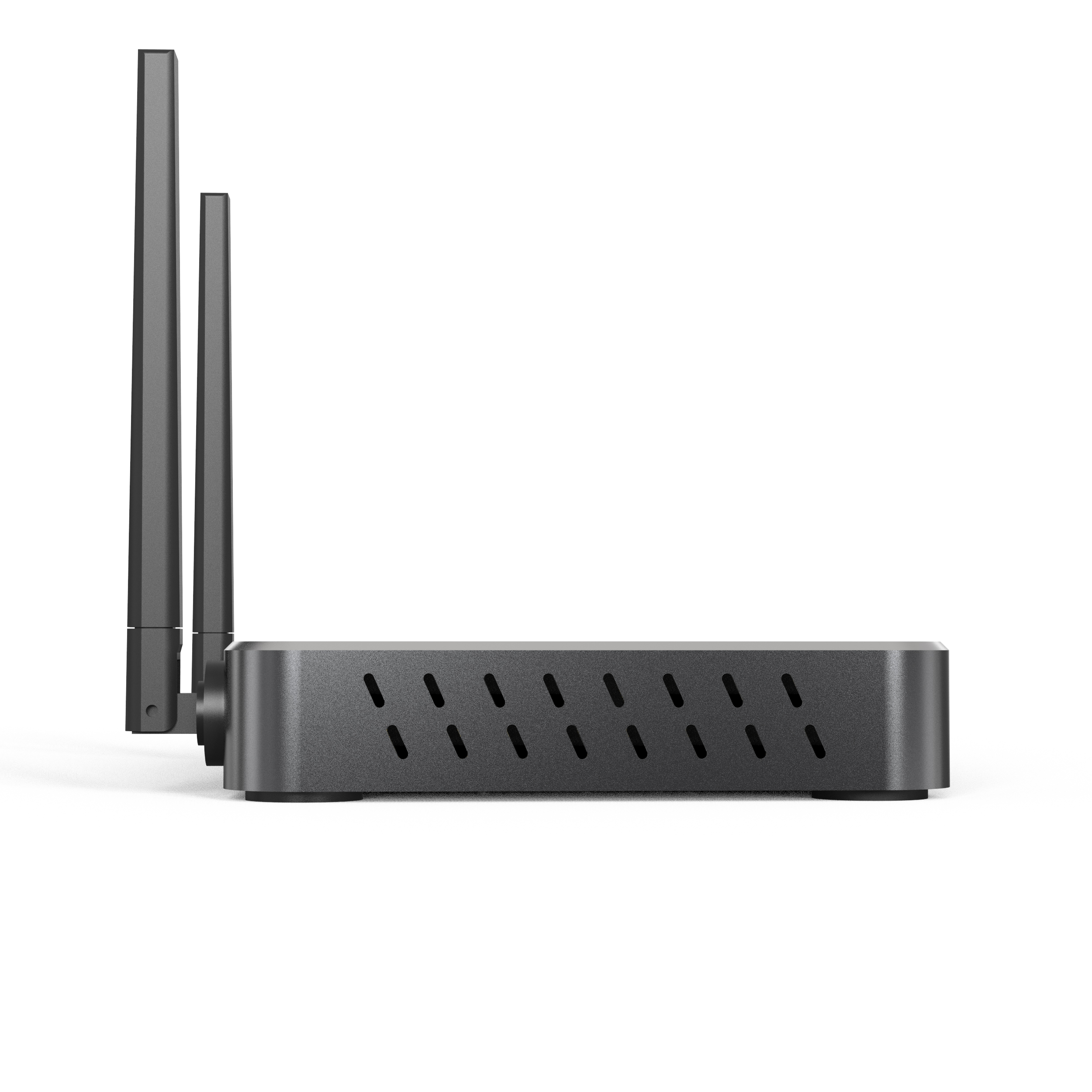
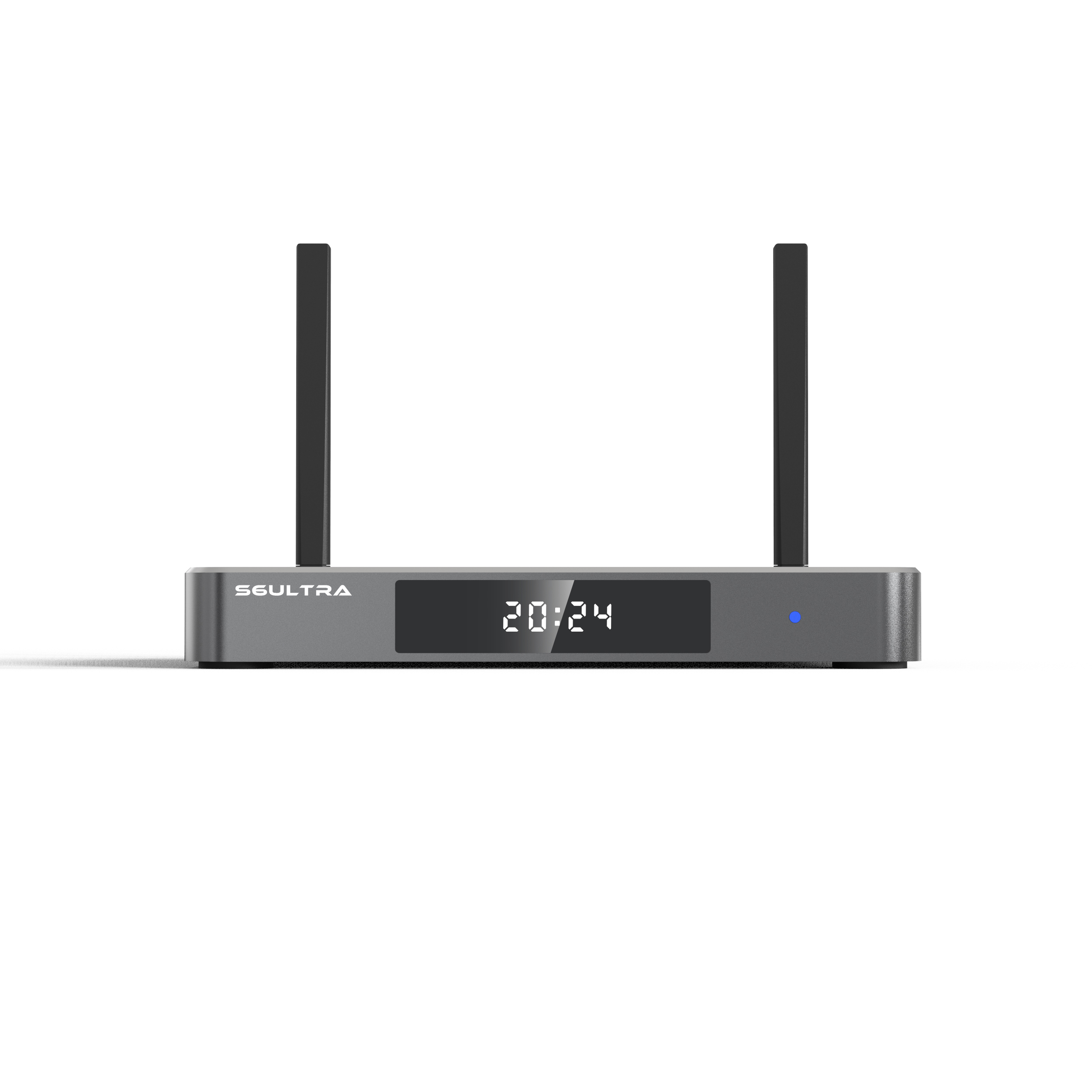
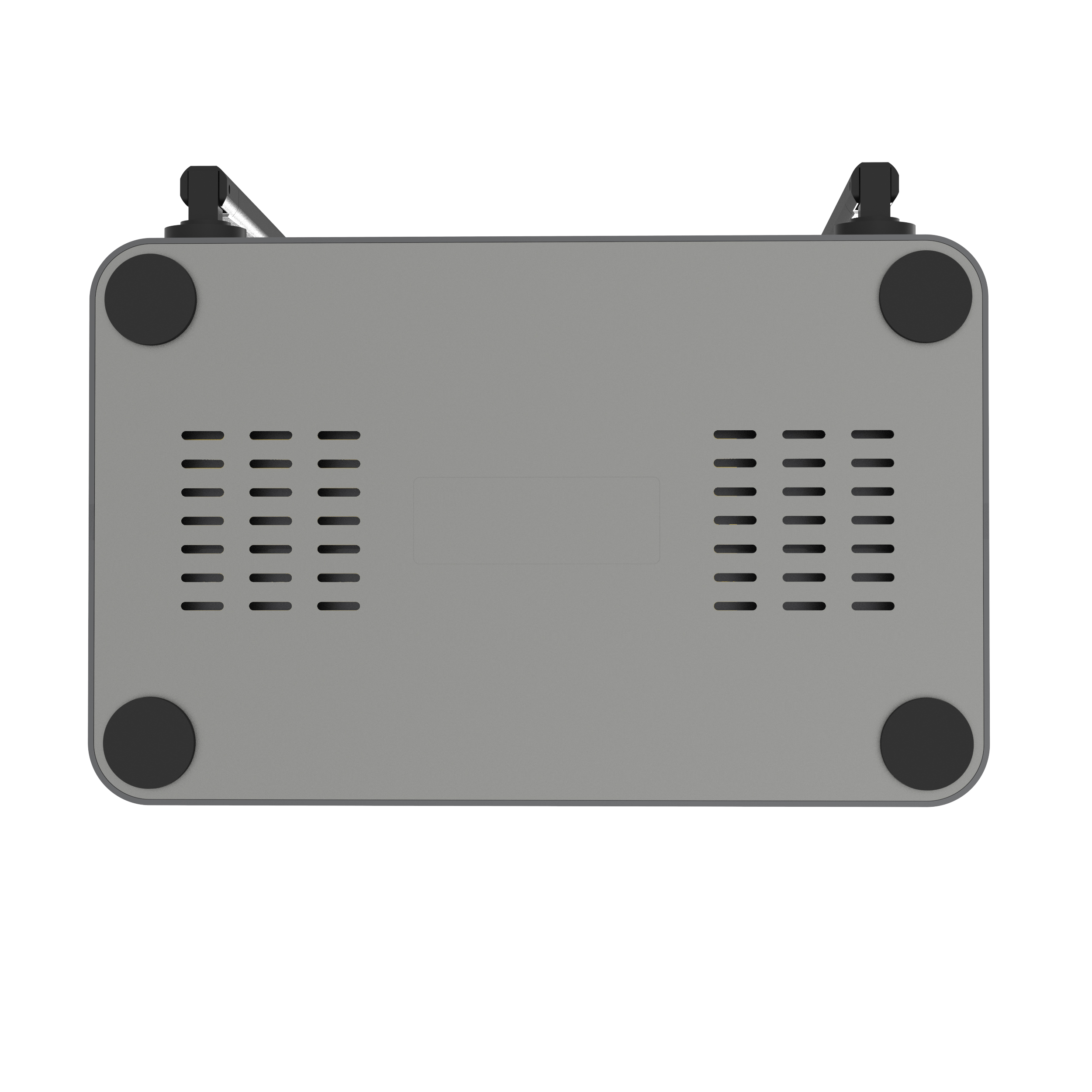
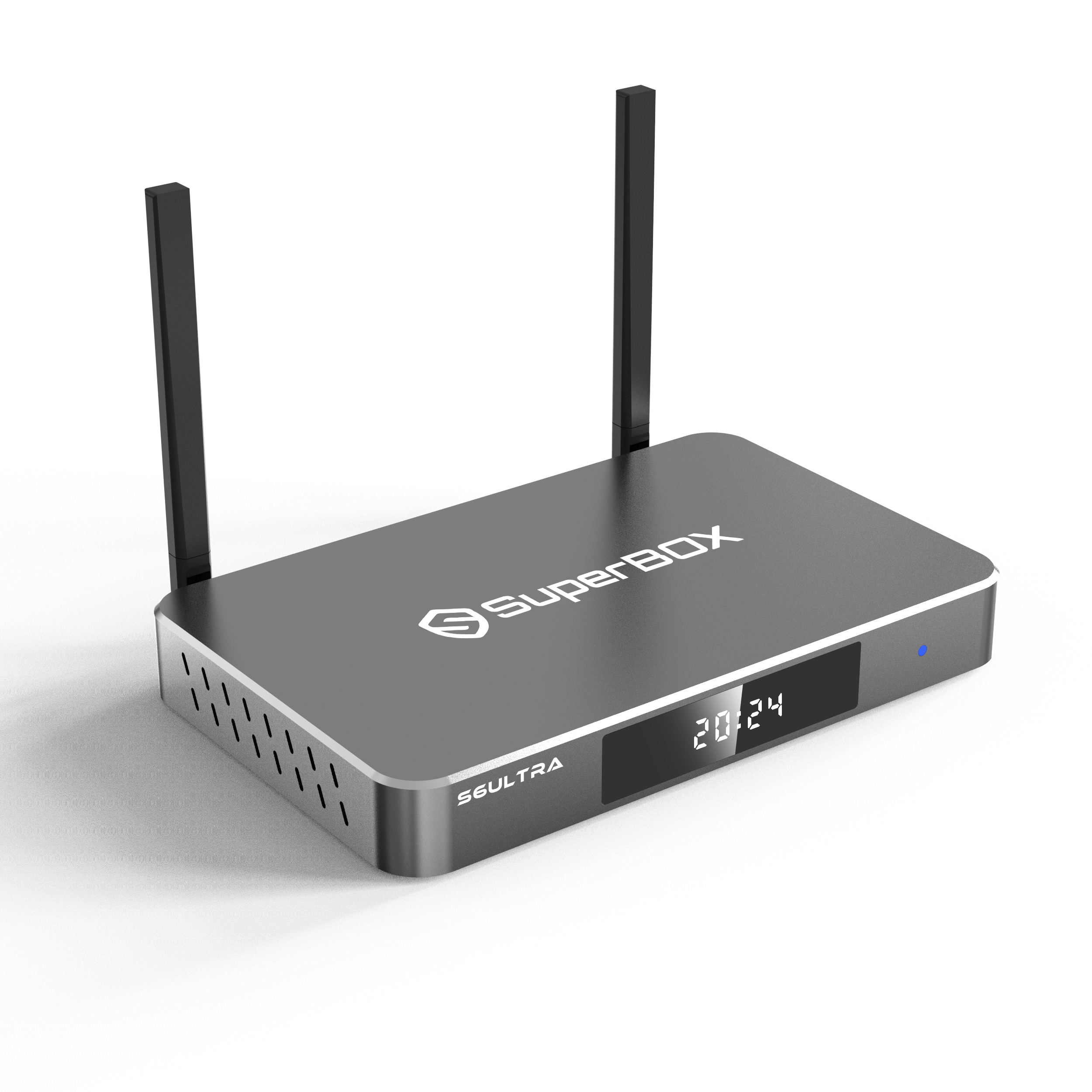
SuperBox S6 Ultra
Specs & Details
Height: 1.77 in (45 mm)
Width: 5.51 in (140 mm)
Depth: 4.13 in (105 mm)
Technical Specifications
Processor: Quad-core
Resolution: Up to 6K Ultra HD
WiFi: WiFi 6
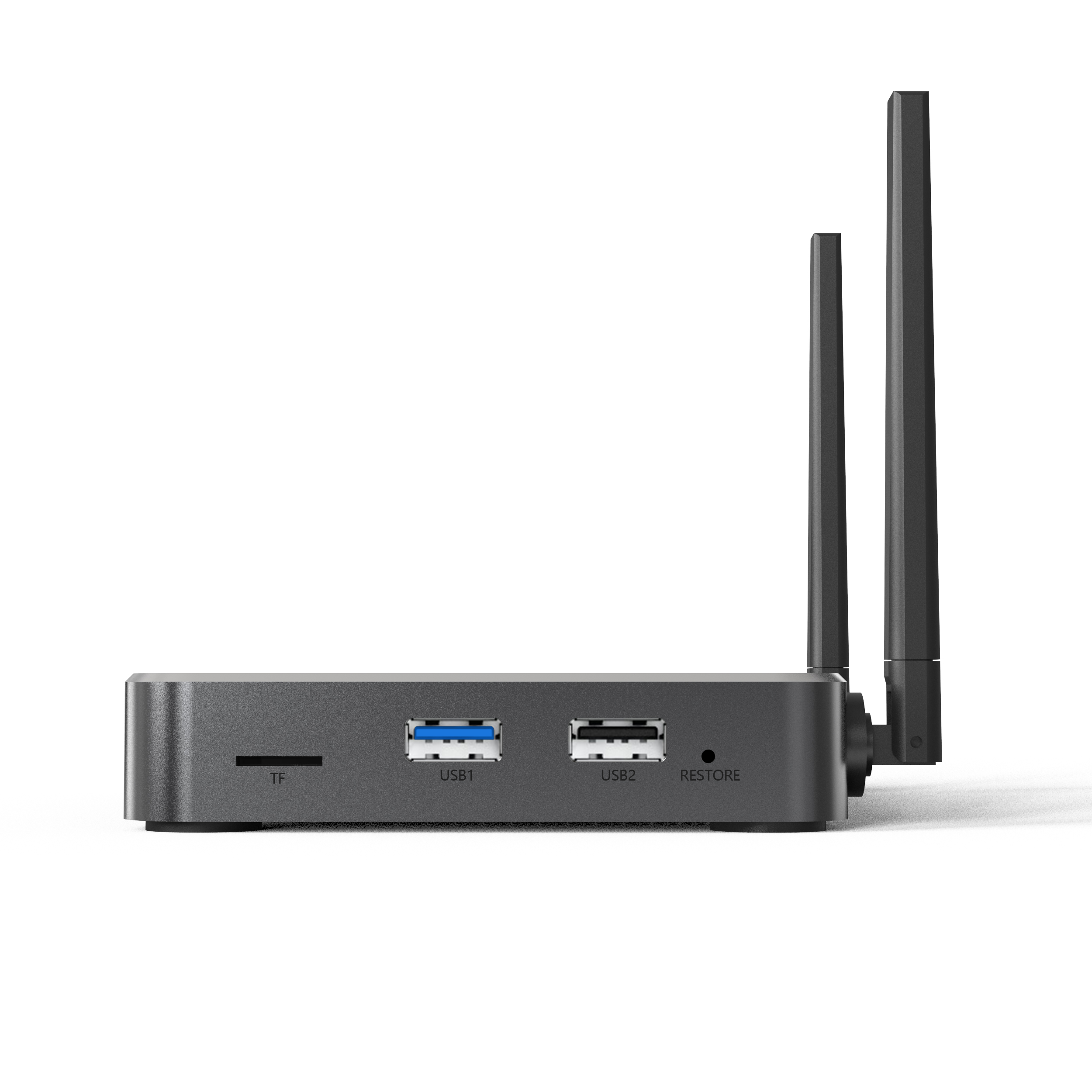
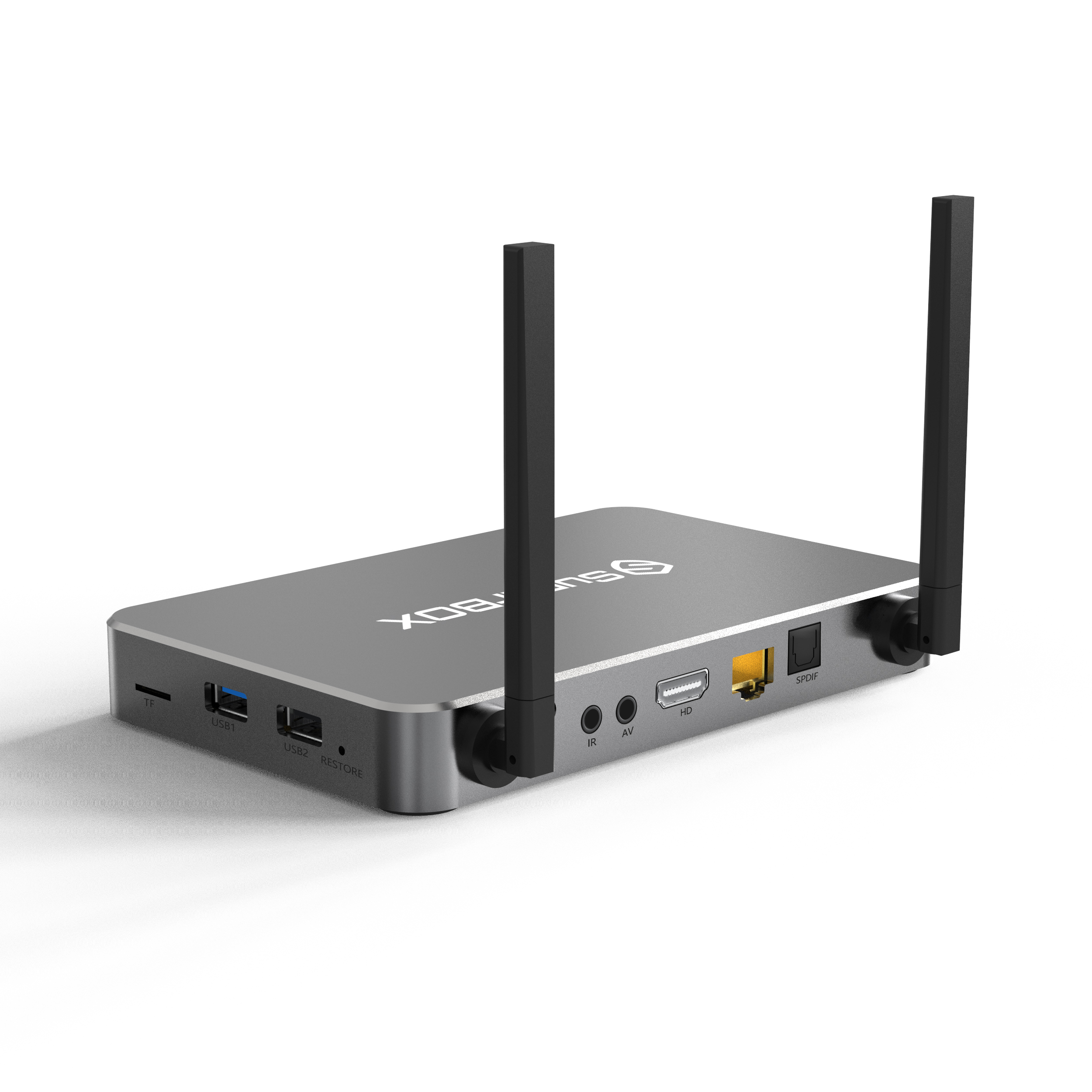
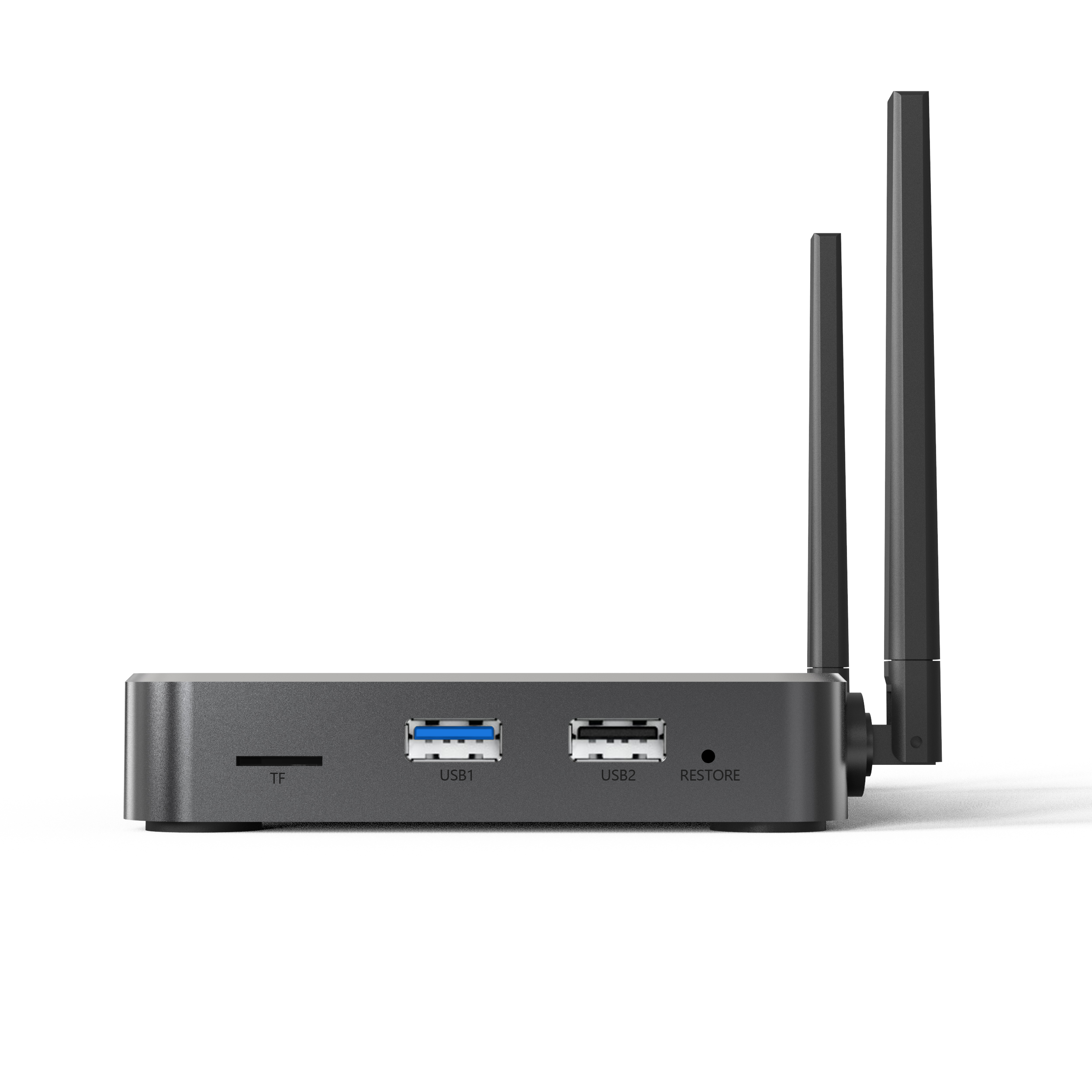
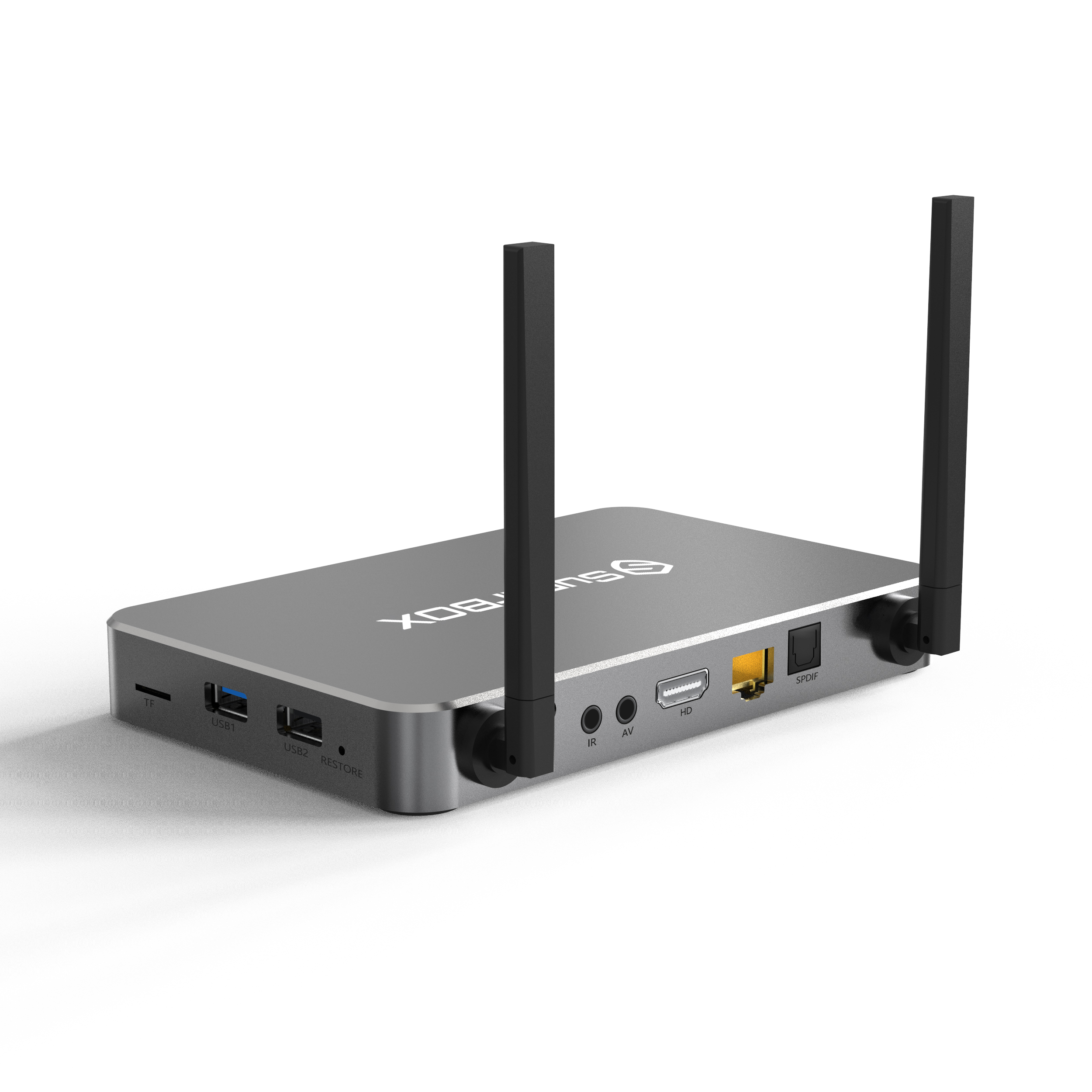
Ports: 1x HDMI, 2x USB, 1x Ethernet
Remote: Bluetooth-enabled
Warranty: 1-Year Limited Warranty
Compatibility
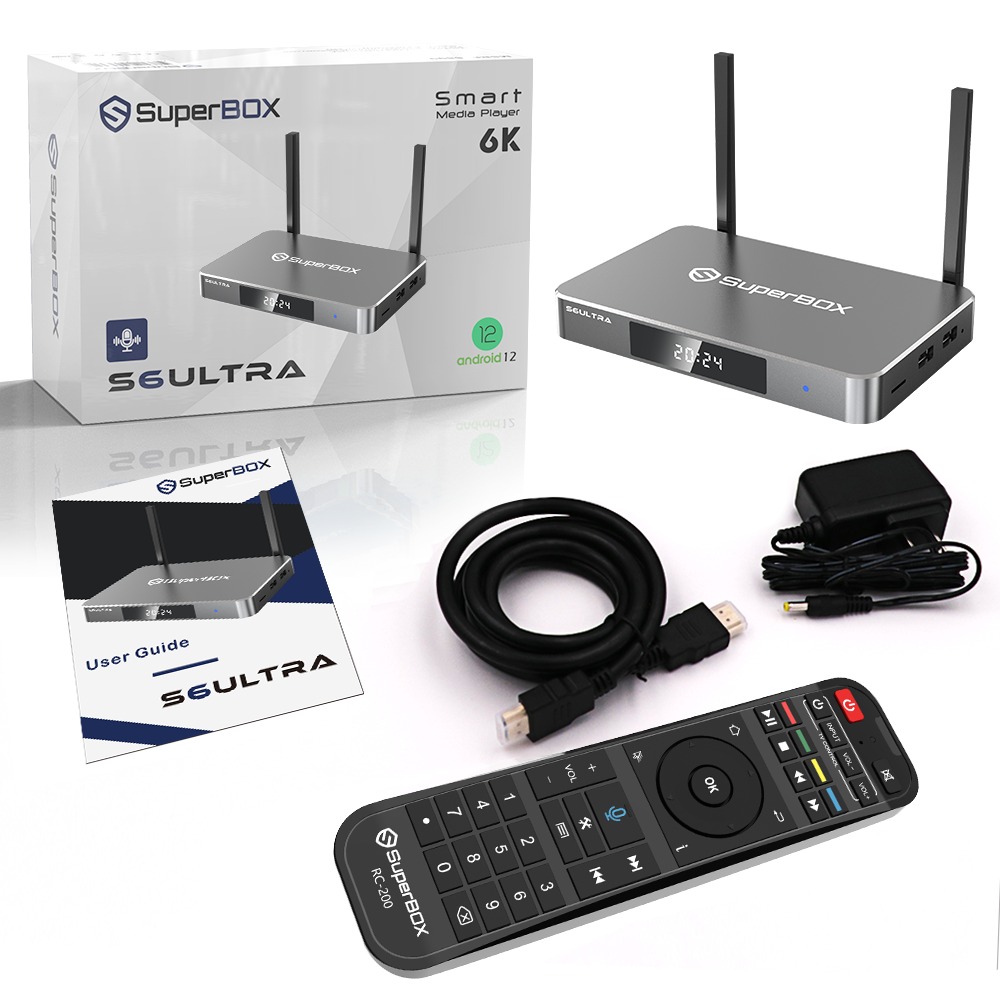
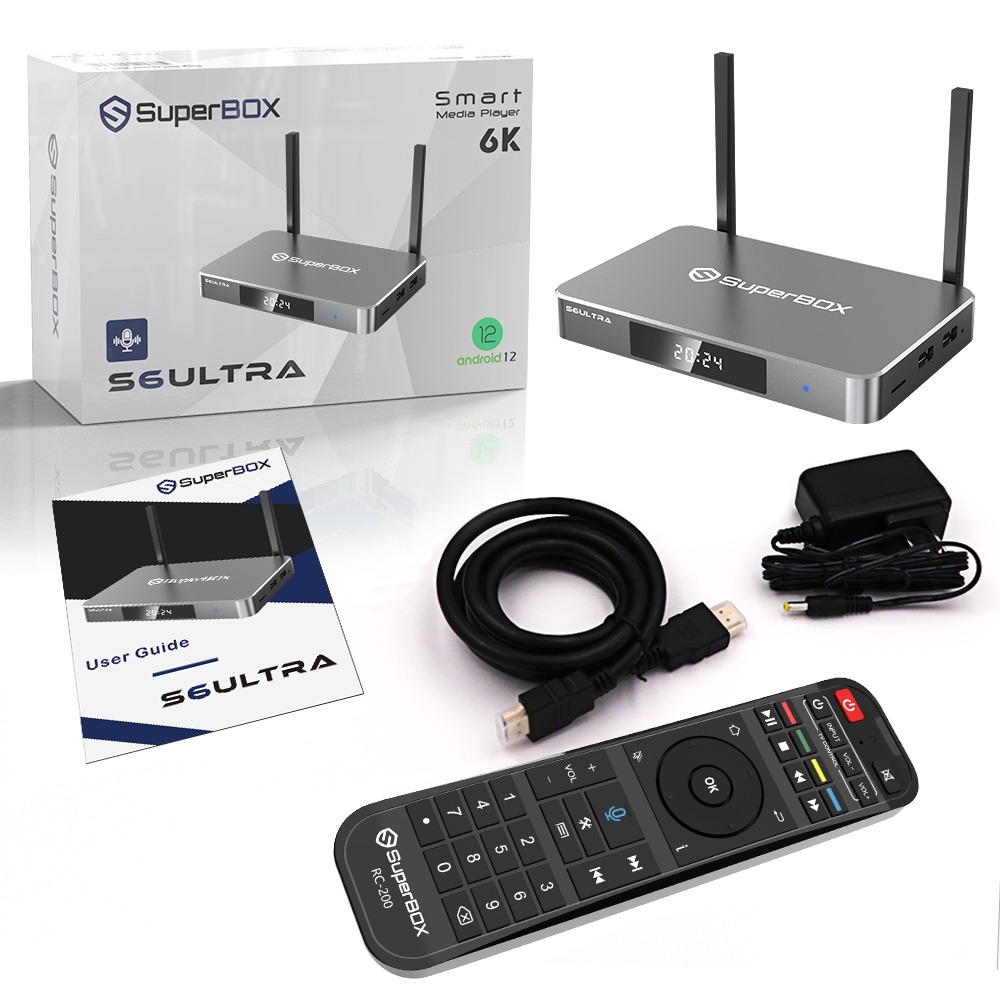
In The Box
-Power Adapter
-HDMI Cable
-Remote Control
-User Manual
Support
-Quick start guide included in the box
-Troubleshooting tips in the user manual
-Warranty information for your device
-Contact our support team for assistance including phone support and 24/7 live chat
When you experience the unbeatable speed, 6K resolution, and smooth performance of a Superbox, it doesn't take long to see why it's becoming a must-have for anyone serious about their home entertainment. The Superbox delivers a next-level viewing experience.
SuperBox Makes Entertainment Effortless
F.A.Q's
How Easy is The Setup?
Get ready for the ultimate entertainment experience with these unbeatable features:
- Stunning 6K Ultra HD: Dive into jaw-dropping, lifelike visuals that bring your favorite content to life like never before.
- Thousands of Apps at Your Fingertips: Stream, game, and explore with access to all your favorite apps like Netflix, YouTube, and more—all in one place.
- Blazing-Fast Performance: Enjoy reduced lag! Powered by an octa-core processor and 4GB of RAM, enjoy lightning-fast speed whether you're binge-watching or multitasking.
- Instant Access, Effortless Streaming: Connect in seconds with dual-band Wi-Fi and start streaming instantly, with zero interruptions or buffering.
- Sleek & Portable: Compact, stylish, and ready to go anywhere—set it up in any room, or take it on the road for entertainment wherever you are.
This device delivers everything you need for a next-level entertainment experience.
How Easy is The Setup?
Setting up the Superbox is straightforward:
- Plug in the HDMI: Connect the HDMI cable from the S6 Ultra to your TV.
- Power On: Connect the power adapter to the device and plug it into a wall outlet, then press the power button.
- Connect to Wi-Fi: Use the remote to navigate to the settings menu and select your Wi-Fi network. Enter your password to connect.
- On-Screen Prompts: Follow the on-screen instructions to complete setup, such as language preferences and updates.
In just a few minutes, your S6 Ultra will be ready for use!
Is It Compatible With Any TV?
Is The Superbox Portable?
See The Superbox In Action!
Watch how the Superbox delivers blazing-fast performance, stunning HD visuals, and seamless control. Discover why it's the ultimate choice for transforming your home entertainment experience.
Transform Your Streaming With The Today
The Superbox is the ultimate choice for those who demand top performance from their streaming device. With its 128GB storage, powerful capabilities, and advanced features, it transforms your home entertainment experience. Whether you're managing content, using voice controls, or exploring the latest features, the is built to deliver unparalleled streaming.